
ODM SOFTWARE
Delivers quality products with modern designs for every need.

Benefits Of ODM Solutions
AUTOMATE PAPER PROCESSES
All data are logged in digital format reducing human errors, paperwork & time to collate reports
IMPROVE DOCUMENTATION TO MEET INTERNATIONAL STANDARD
All data are stored for long term storage purposes systematically and electronically
RETAINING WORKERS’ KNOWLEDGE
Workers’ knowledge and experiences can be retained systematically by allowing them to build process or diagnostic rules in the ODM Corrective Action Guide (CAG) function. Work process flow is easily built and continuously enhanced for business functions over the time by workers based on best practices.
IMPROVE DOCUMENTATION TO MEET INTERNATIONAL STANDARD
All data are stored for long term storage purposes systematically and electronically
IMPROVE WORKERS INVOLVEMENT AND OWNERSHIP OF EQUIPMENT PERFORMANCE
- Operator is more alert to the abnormal data trends
- Increasing management review
- Saving valuable time at site & better information flow
- Maximize cross-functional teamwork, identify hidden opportunities for continuous improvement.
- Rapid and early fault detection of problems
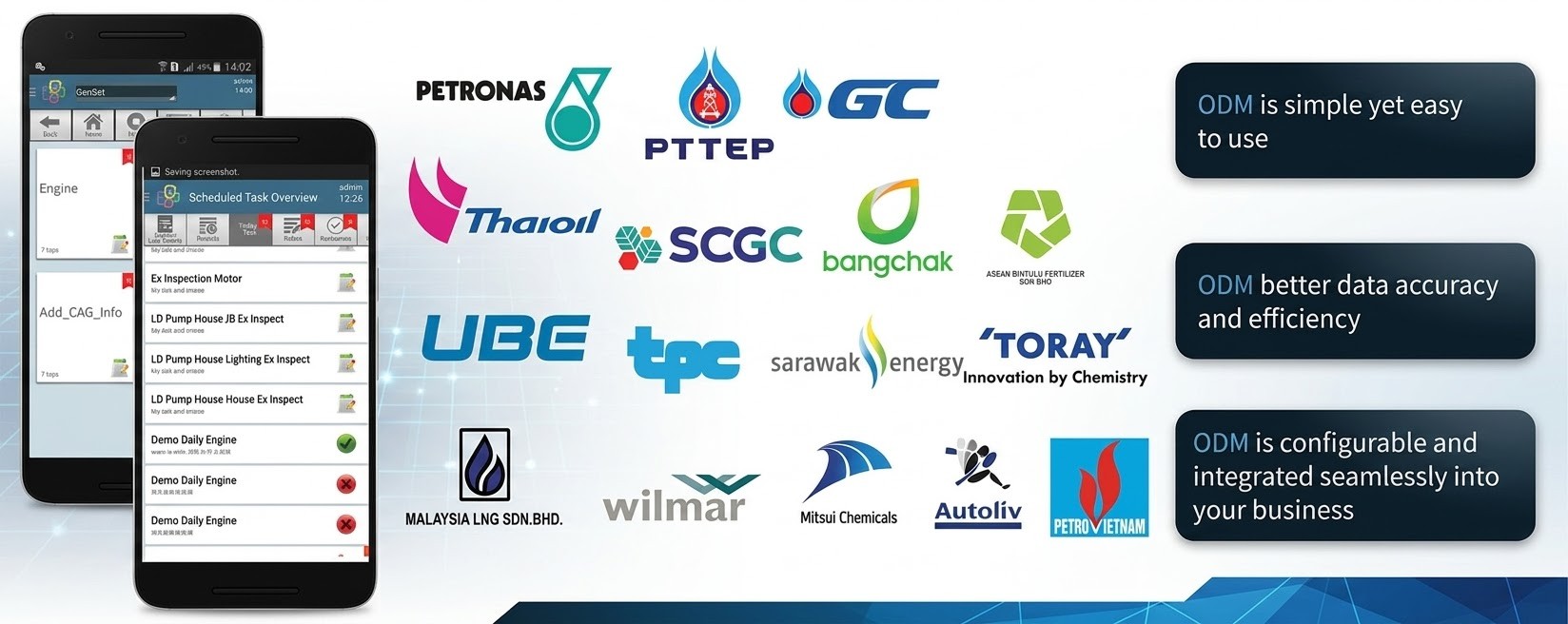
Site Reference
Features Highlights
Focus & Track your Tasks Completion Efficiently
Organize, schedule, monitor and track your tasks efficiently, with organized inspection route, systematic data capturing and standardized checklist.
Alert to Abnormalities and Historical Data at Fingertips.
System will alert user when a data input has triggered an alarm, which encourages user to verify the data and input feedback. Historical data and feedback captured by previous inspectors are easily accessible even without online connection to the server
Perform Corrective Actions Systematically and Consistently
Field inspector is supported and guided with systematic corrective actions when an abnormal condition is found, such as to perform additional inspection or investigation or create work notification.
User Friendly Inspection Data Capturing
Standardized checklist with various configurable text display, data input controls or graphic.
Capturing Feedback & Details Information
e.g. Comments / Voice / Photo / Videos / Sketches / Annotations
Quick Access to Asset Attachment Files.
e.g. User Guide, Datasheets, Drawings, etc
Support Hands-Free Devices
Enable user to operate ODM in a hands-free condition via a voice-based operating system with speech recognition in noisy environments.
Quick Access to Inspection Information over Web Browser
For data review, analysis, feedback, approval, alarm acknowledgement and reporting
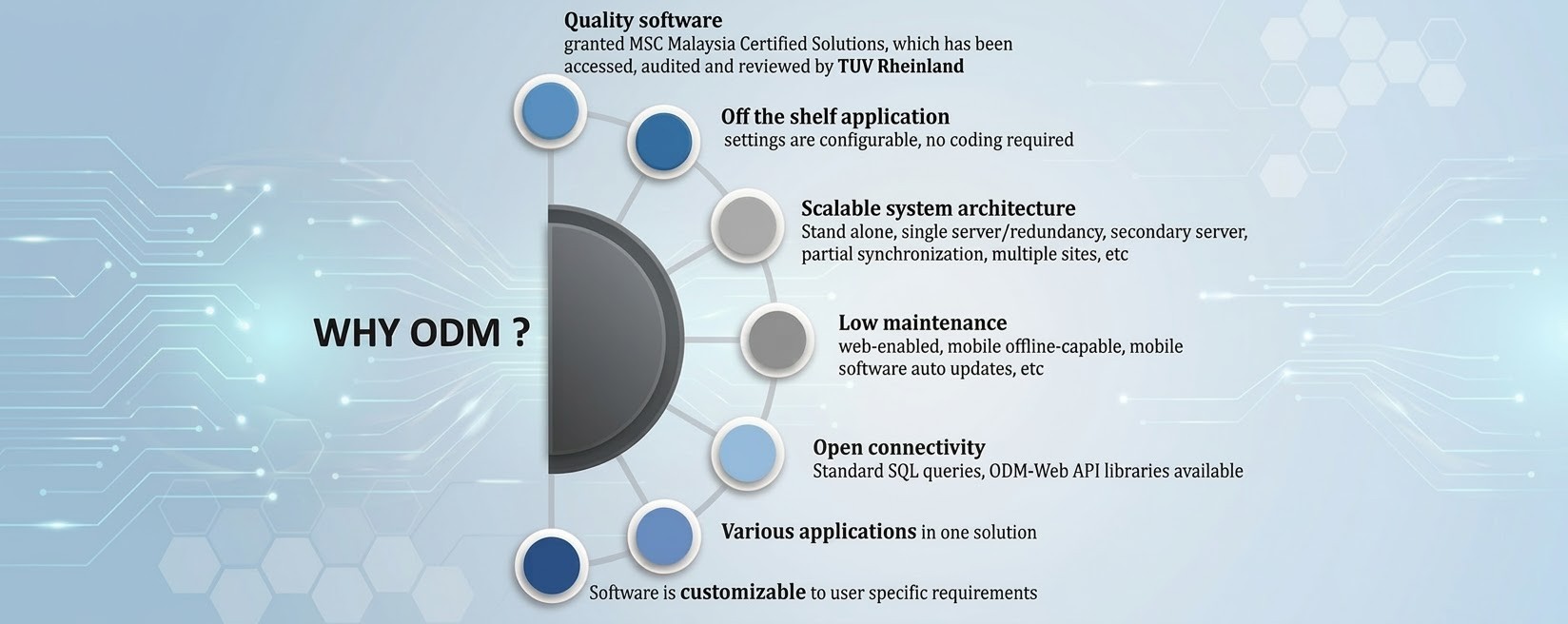
Benefits Of ODM Solutions
AUTOMATE PAPER PROCESSES
All data are logged in digital format reducing human errors, paperwork & time to collate reports
IMPROVE DOCUMENTATION TO MEET INTERNATIONAL STANDARD
All data are stored for long term storage purposes systematically and electronically
RETAINING WORKERS’ KNOWLEDGE
Workers’ knowledge and experiences can be retained systematically by allowing them to build process or diagnostic rules in the ODM Corrective Action Guide (CAG) function. Work process flow is easily built and continuously enhanced for business functions over the time by workers based on best practices.
IMPROVE DOCUMENTATION TO MEET INTERNATIONAL STANDARD
All data are stored for long term storage purposes systematically and electronically
IMPROVE WORKERS INVOLVEMENT AND OWNERSHIP OF EQUIPMENT PERFORMANCE
- Operator is more alert to the abnormal data trends
- Increasing management review
- Saving valuable time at site & better information flow
- Maximize cross-functional teamwork, identify hidden opportunities for continuous improvement.
- Rapid and early fault detection of problems
ODM SOFTWARE
ODM - Plant Mobile Data Management & Decision Support Solution
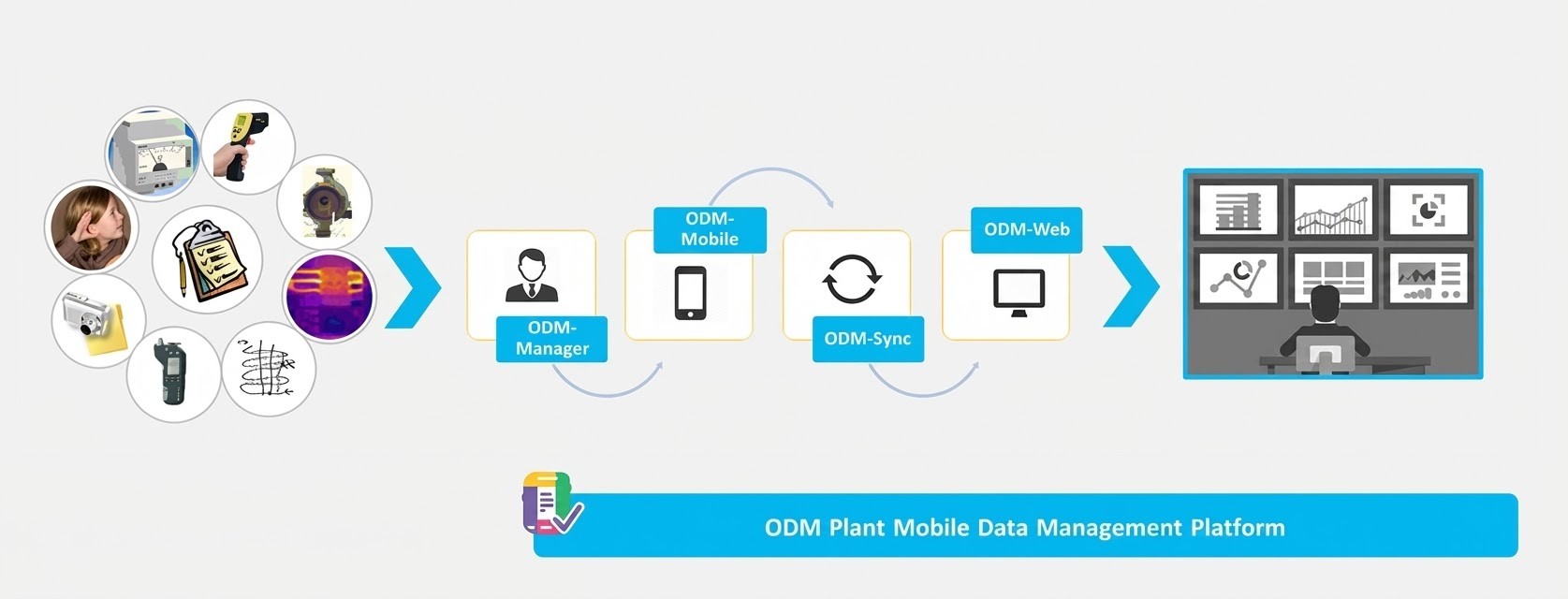
ODM solution helps to facilitate and integrate the manually collected inspection and surveillance data. It helps to build, organize and standardize your checklists, alarm limits, corrective actions and inspection schedule, for inspector to conduct and record field inspection data systematically. Inspection data is then uploaded and synchronized with server whenever network is available, where historical data and alarm can be reviewed, approved, analyzed and reported.
ODM Work Flow
Site Reference
Features Highlights
Focus & Track your Tasks Completion Efficiently
Organize, schedule, monitor and track your tasks efficiently, with organized inspection route, systematic data capturing and standardized checklist.
Alert to Abnormalities and Historical Data at Fingertips.
System will alert user when a data input has triggered an alarm, which encourages user to verify the data and input feedback. Historical data and feedback captured by previous inspectors are easily accessible even without online connection to the server
Perform Corrective Actions Systematically and Consistently
Field inspector is supported and guided with systematic corrective actions when an abnormal condition is found, such as to perform additional inspection or investigation or create work notification.
User Friendly Inspection Data Capturing
Standardized checklist with various configurable text display, data input controls or graphic.
Capturing Feedback & Details Information
e.g. Comments / Voice / Photo / Videos / Sketches / Annotations
Quick Access to Asset Attachment Files.
e.g. User Guide, Datasheets, Drawings, etc
Support Hands-Free Devices
Enable user to operate ODM in a hands-free condition via a voice-based operating system with speech recognition in noisy environments.
Quick Access to Inspection Information over Web Browser
For data review, analysis, feedback, approval, alarm acknowledgement and reporting